
TC — Canada
Uses the CAP cold-temperature chart, with the relevant height above the altimeter-setting source. Add published procedure altitudes and minima; the result explains the addition and the rounding used.
Pilot tools · iOS · Works offline
An offline iOS calculator for FAA and Canadian cold-temperature altitude corrections. Enter your conditions and published altitudes, then inspect the results.
Open Tools → Cold Temperature Correction in the TopLog iOS app. Choose FAA or TC — Canada, enter the temperature and elevation, and add the published altitudes you want to check.
The calculator uses separate Canadian and FAA tables and methods. Results show the conditions entered, the corrected altitude, and a breakdown of the correction and rounding. Editing an input clears the previous results.

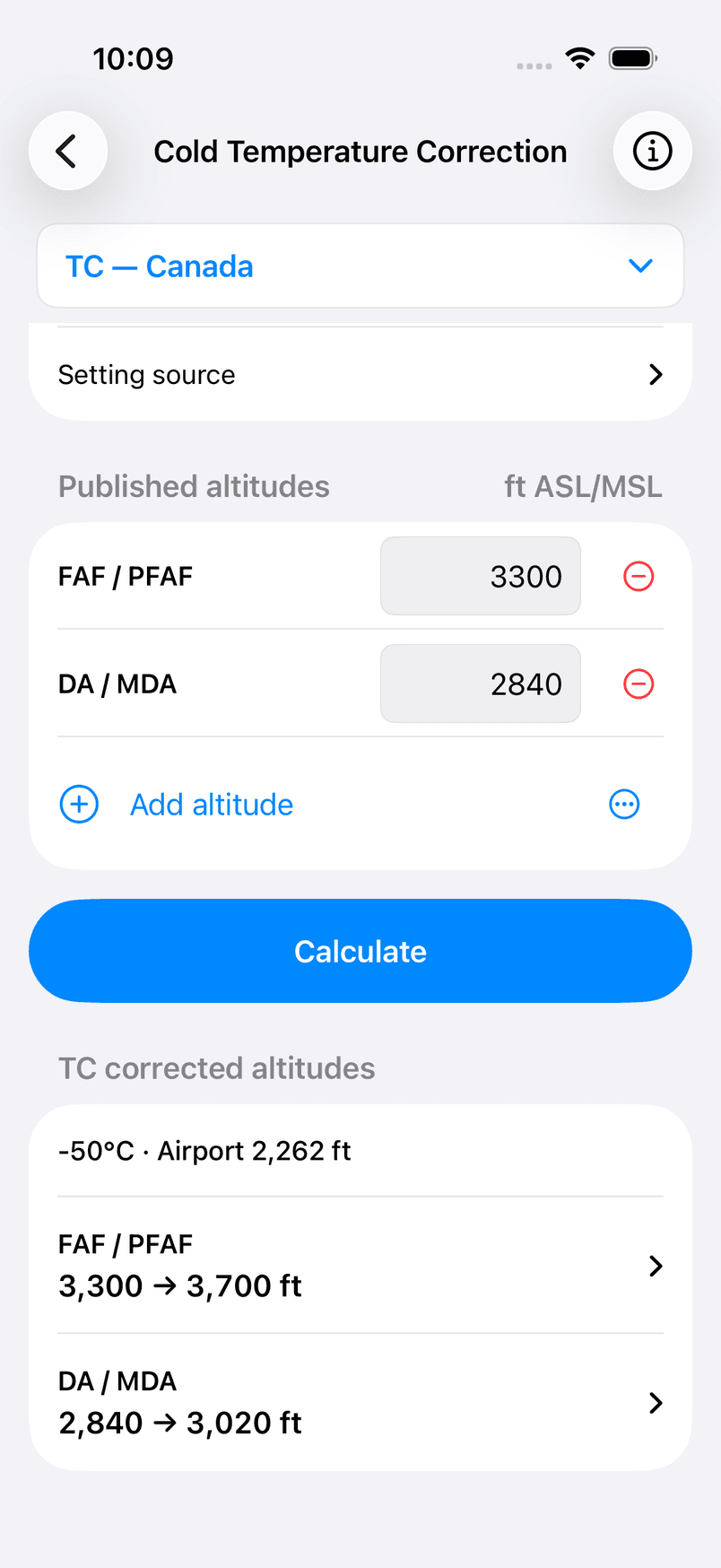
Uses the CAP cold-temperature chart, with the relevant height above the altimeter-setting source. Add published procedure altitudes and minima; the result explains the addition and the rounding used.
Offers All Segments and Individual Segments methods. Enter the charted cold-temperature-airport limit where applicable and choose the segments to calculate. The app does not look up the airport’s applicability for you.
This is a manual calculation aid. TopLog does not fetch weather, identify an approach, determine regulatory applicability, or operate an aircraft’s temperature-compensation system. Unsupported inputs produce an explanation rather than a numeric result.
Check the current procedure, publications, aircraft limitations, compensation status, and ATC requirements for your flight. The calculator does not establish that an approach is authorized.
Source references: FAA AIP ENR 1.8 and the Canadian CAP GEN cold-temperature chart. The app’s information sheet includes its operating notes, limits, and source links.
The Clock to Decimal Converter turns block and flight times into logbook decimals. The Crew Rest Planner splits a rest window into equal breaks. Both also work offline.
Explore TopLog features →